Manual export


Manual export |
|
|
The manual export function is accessed via the Route Sheet Navigator. Work Plan NavigatorIf you open the Work plan menu, followed by the Export submenu, you will find the option Work plans via ERP interface. This function allows you to open the Export Wizard.
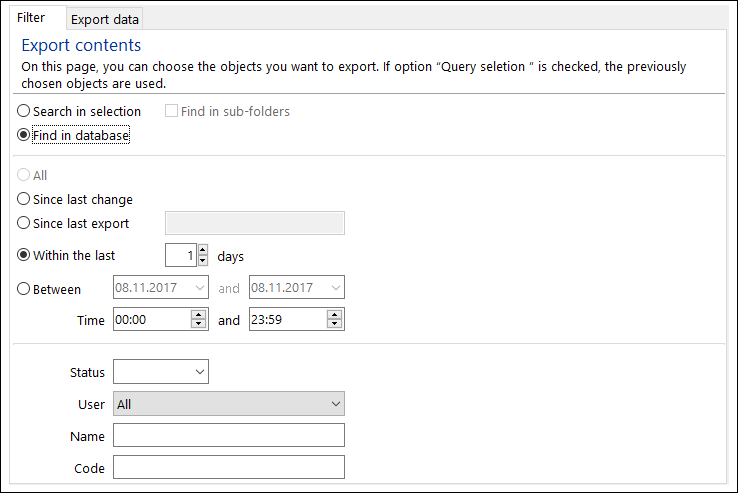
Export WizardUsing the Export Wizard, it is possible to implement all the necessary settings and to perform the actual export procedure. FilterUsing the Filter tab view allows you to define rules on the basis of which the program is to look for export data.
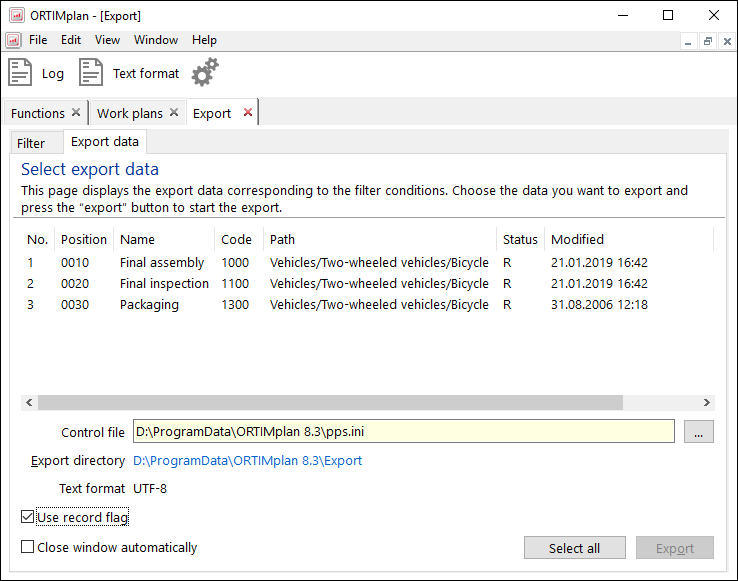
If you have selected option Query selection, the program will look for the export data in the selection of the Work PLan Navigator. If option Query database is selected, the export data will be ascertained by means of a database search query. StatusList of status codes. A work plan or working process is exported, when its status is included in the status code list. UserHere you can select a user whose changes you want to export. Name, CodeHere you can specify the name and code of the data you want to export. All the other filter settings affect the previously set scope of the search query. Export dataAll the data records that satisfy the filter rules and which have the specified status code are displayed in tab view Export data.
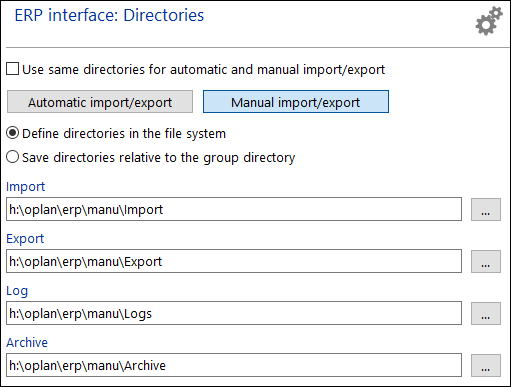
Select the data records that you wish to export and then click on Export. Control fileThe control file determines the configuration (e.g. data fields, data format, text format, directories) that is to be imported. Export directoryHere the current export directory is displayed. A mouse click on the link opens the Windows Explorer on the directory. Text formatThe text format used for the export data is displayed here. The text format is defined centrally for all exports in the system settings for the ERP interface. If you want to create export data in a different text format, you can change the text format here differently for the individual export. Use record flagPerforms the import with record flag. DirectoriesThe directories are defined via the system settings.
When you perform the export procedure for the first time, you must first open the Directories tab view and set the directories that you wish to use.
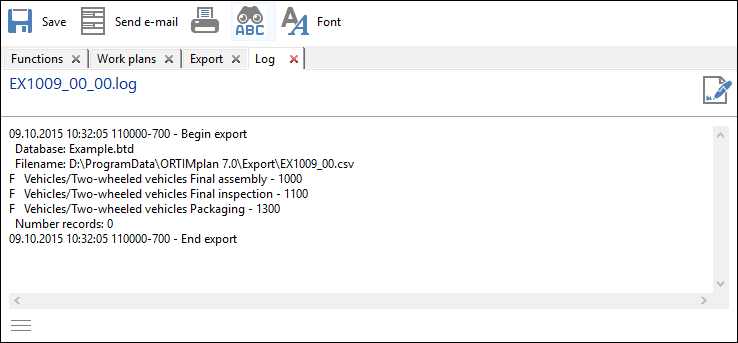
LogsClicking the Log item in the file menu, allows you to select a log file and view its contents.
The log file documents the most important data of the export. Any problems that may have occurred are also listed here. |